


Neue Partnerschaft mit der WiLies Safety GmbH
Seit dem 2. April 2024 besteht eine enge Zusammenarbeit zwischen der IFAM GmbH Erfurt und dem Unternehmen WiLies Safety GmbH.
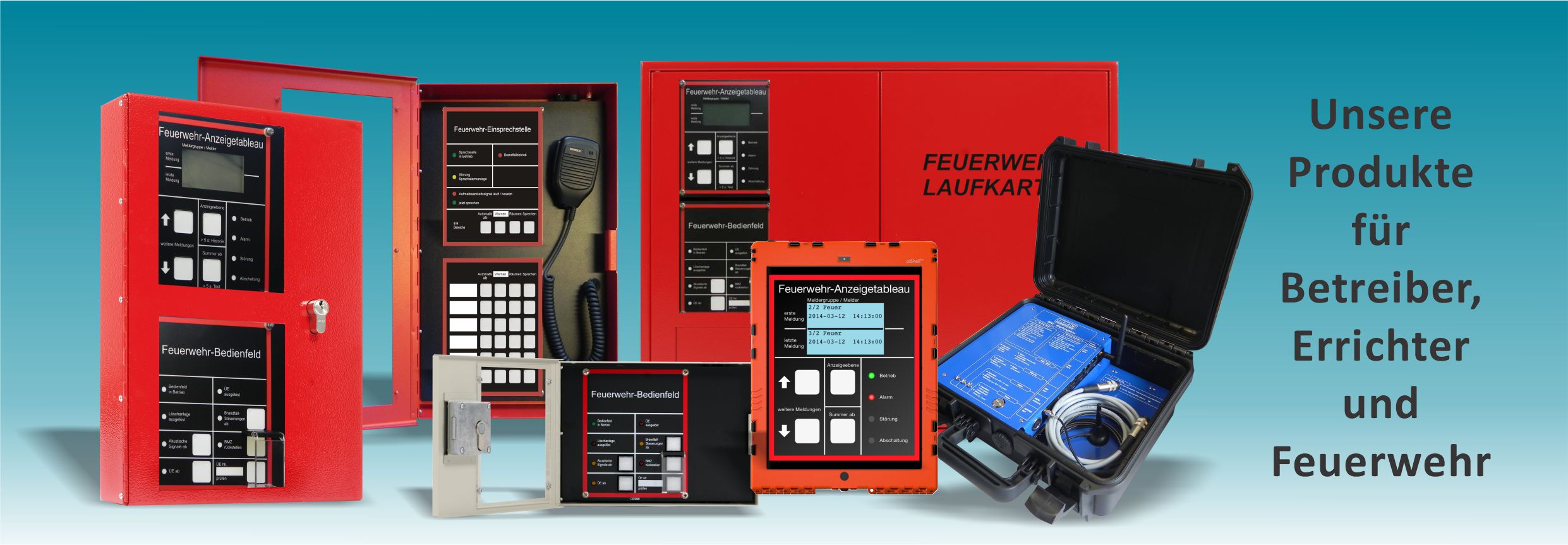
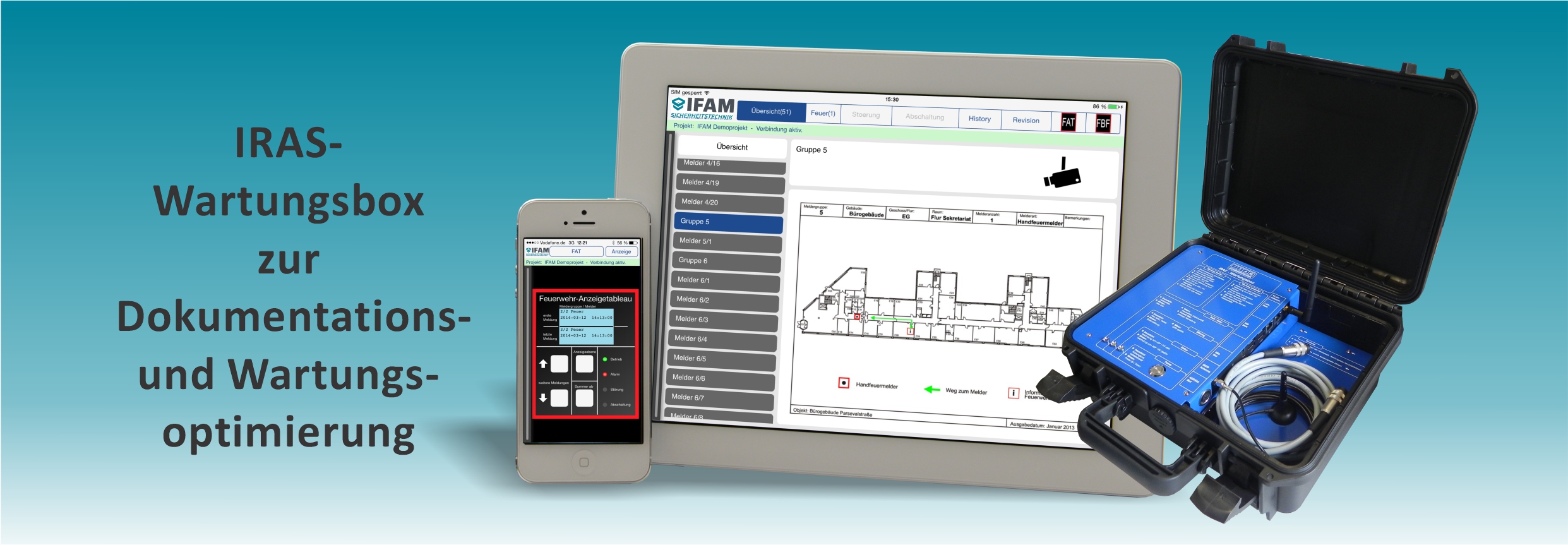
Das gemeinsame Ziel ist die Erweiterung von IFAM-Dienstleistungen durch die WiLies Safety GmbH, um eine noch intensivere Kundenbetreuung in den Bereich brandmeldetechnischer Einrichtungen, wie der „Feuerwehr-Peripherie – System4000“ und der „Webbasierten Gefahrenmeldesystem - IRAS“ zu ermöglichen. Das Dienstleistungsangebot umfasst u.a. die Beratung, Installation und Wartung für Betreiber, Errichter und Feuerwehren!
Schulungsangebote 2024
Für Hersteller und Errichter

Wir bieten für 2024 wieder Schulungen für Hersteller- und Errichterfirmen an. Hierbei werden technische Informationen für die Feuerwehr-Peripherie - das System4000 und IMT4000 sowie IRAS vermittelt. Interessiertes technisches Personal erhält dabei einen Einblick in die Anwendungsmöglichkeiten und Programmier-Tools. Mit Hilfe von Fehleranalysen werden mögliche Ursachen aufgezeigt und Lösungen angeboten. Die Teilnehmer erhalten dazu die entsprechenden Unterlagen per E-Mail. Wir freuen uns über Ihre Anmeldungen für die Online-Veranstaltungen. Lesen Sie dazu unsere Angebote sowie Teilnahmebedingungen.
Ihr IFAM-Team
Jobangebote bei IFAM
Wir suchen Mitarbeiterinnen und Mitarbeiter (m/w/d) in der Entwicklung!
Für weitere Informationen klicken Sie auf den nachstehenden Link!
Hier geht es zu Ihrem Job und zu weiteren Jobangeboten
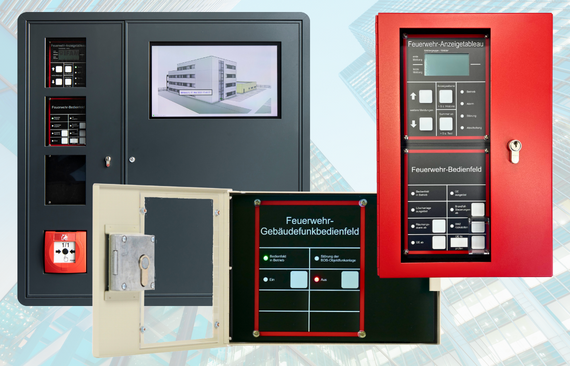
Neues Feuerwehr-Gebäudefunkbedienfeld FGB4000
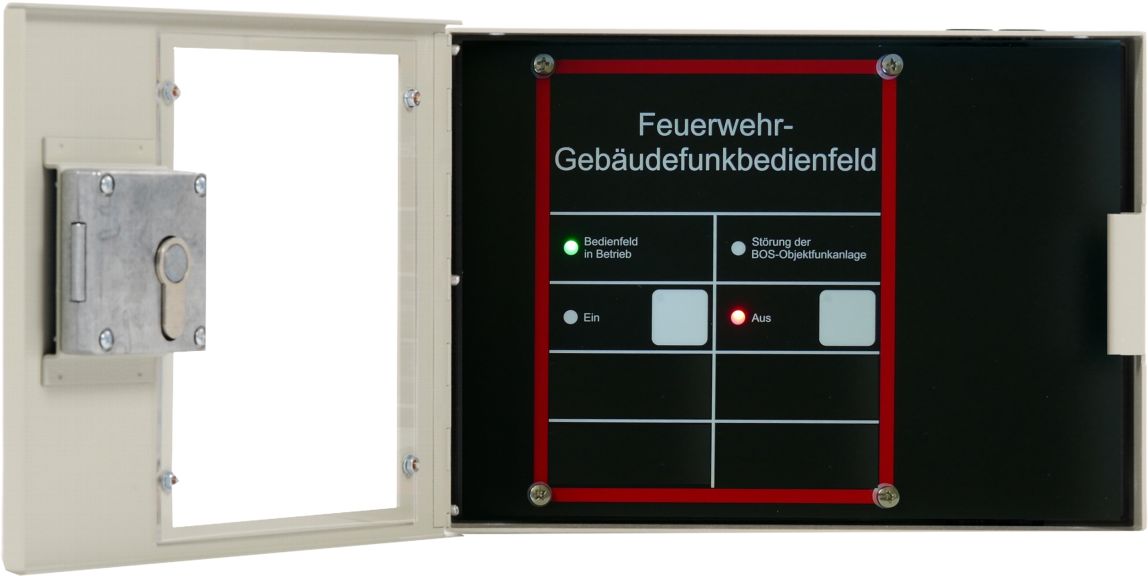
Ausgangspunkt für ein modernes Feuerwehr-Gebäudefunkbedienfeld (FGB) ist die Produktnorm DIN 14663 sowie die Anwendungsnorm DIN 14024-1 - Anforderungen an digitale BOS-Objektfunkanlagen.
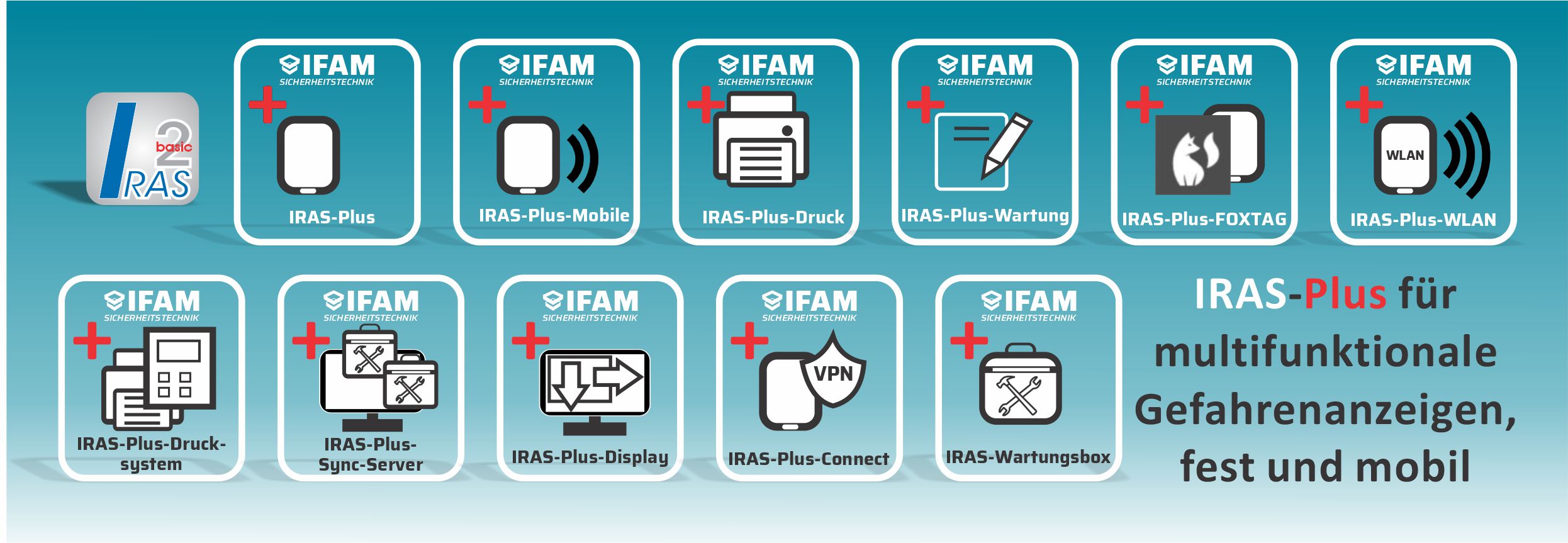
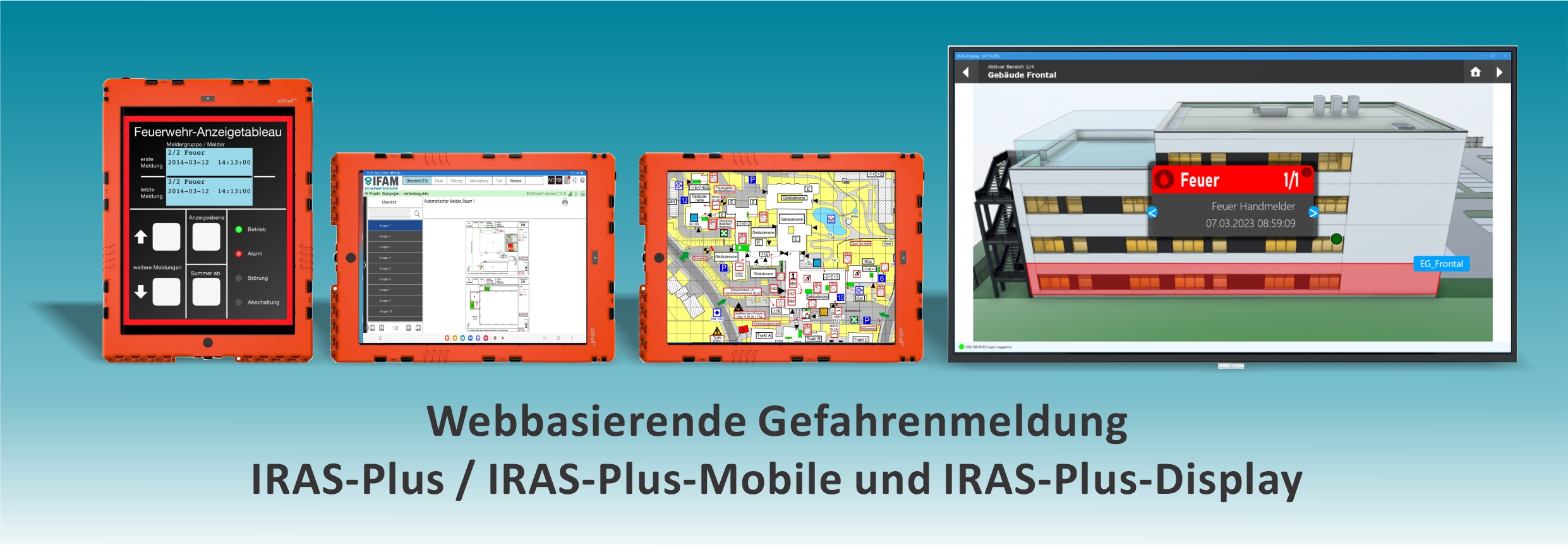
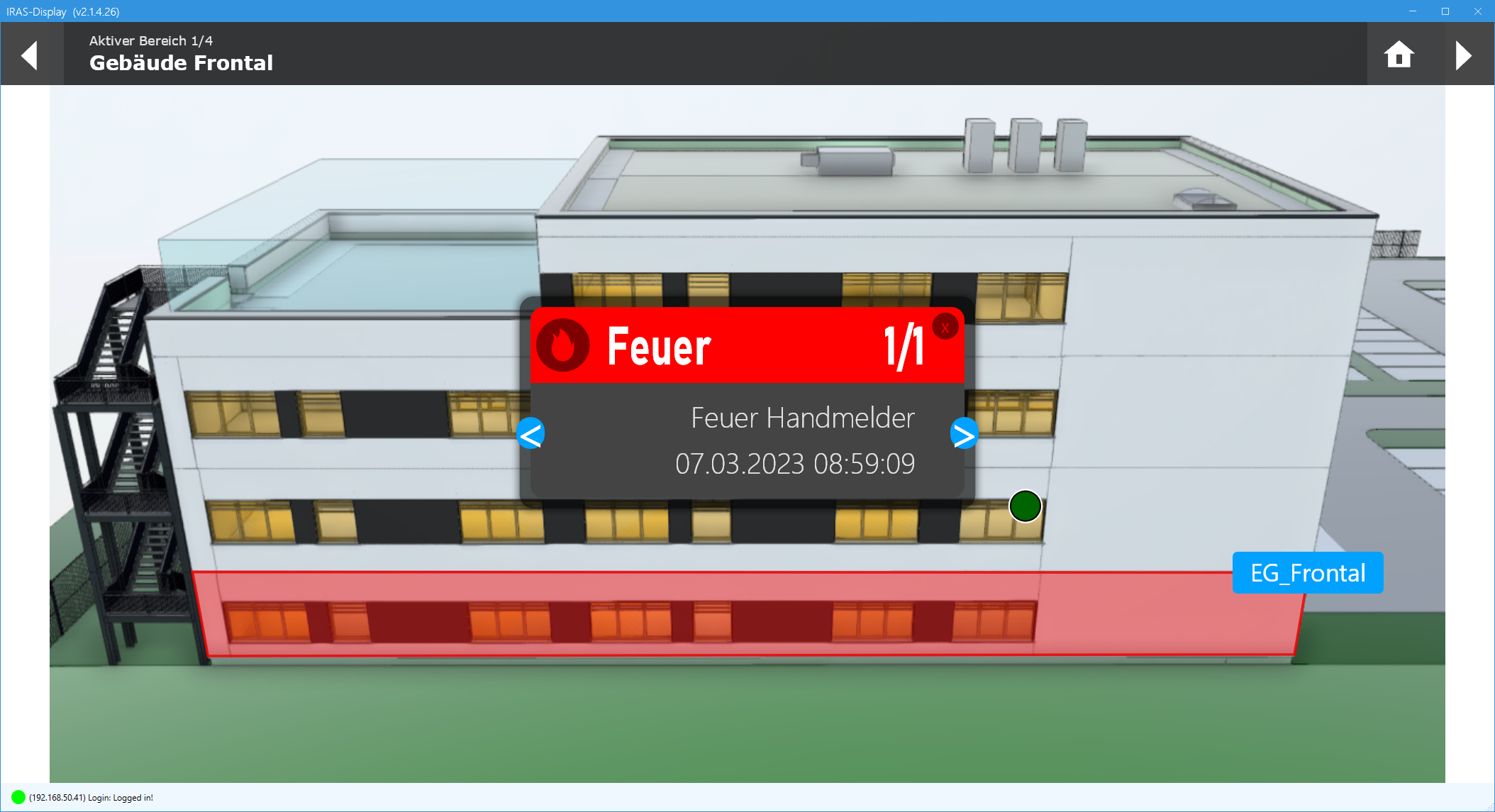
IRAS-Plus-Display
IRAS wurde um das Produkt IRAS-Display erweitert
IRAS-Plus-Display ist eine Lösung für hochmoderne Brandmeldetableaus. Es dient zur grafischen Anzeige von Gefahrenmeldungen auf Windows-PCs / Panel-PCs, die sich innerhalb und außerhalb von Gebäuden befinden können. Durch eine leistungsfähige Software werden Anwendungen für Betreiber und Feuerwehren ermöglicht, die besondere Anforderungen in Hinblick auf Informationen zu einem Feuer, einer Evakuierung bzw. Erkundung stellen.
Seite 1 von 3